Graphic Production for Apple’s Interactive Dotcom Team
Ensuring quality, consistency, and pixel-perfect execution at scale
Apple's marketing campaigns require an exceptional level of precision and consistency across thousands of digital assets. My role focused on identifying and resolving production issues, maintaining brand standards, and ensuring every asset met Apple's rigorous visual quality expectations before delivery.
The Challenge
Maintain visual consistency across a high volume of marketing assets.
Identify and resolve production issues before launch.
Ensure hardware imagery adhered to Apple's strict placement, scale, and alignment standards.
Preserve image quality across multiple formats, sizes, and localized versions.
Deliver production-ready assets under tight deadlines without sacrificing accuracy.
My Approach
Performed detailed visual QA on every asset prior to delivery.
Corrected image rendering issues, including banding, shadow inconsistencies, color artifacts, and scaling.
Ensured precise hardware placement, screen alignment, and product proportions.
Applied Apple brand standards consistently across all deliverables.
Collaborated with creative teams to resolve production challenges efficiently while maintaining design intent.
My Role
Production Designer
Quality Assurance (QA)
Asset refinement and troubleshooting
Image retouching and compositing
Localization support
Cross-functional collaboration with designers and producers
Final production for digital marketing assets
Skills Demonstrated
Production Design
Quality Assurance
Pixel-perfect execution
Image Retouching
Technical Photoshop Knowledge
Asset Localization
Production Workflows
Cross-functional Collaboration
Design Systems
Brand Consistency
File Preparation
Visual Problem Solving
As part of Apple’s Design Systems team, I optimized and refined glyphs and icons across Apple’s extensive icon library, including newly created assets supporting product launches since joining the team in 2024. Using Adobe Illustrator and Apple’s proprietary export tools, I ensured icons met rigorous brand and technical standards across multiple formats, including padded and non-padded versions, as well as standardized brand color variations. This role strengthened my attention to detail and deepened my technical expertise in Illustrator while reinforcing the importance of precision in scalable design systems. I also collaborated directly with Apple designers to troubleshoot and refine iconography, independently taking ownership of workflows and resolving issues with minimal oversight.
Design Systems
Used Illustrator to resolve alignment issues by making precise adjustments to vector anchor points, ensuring consistency and accuracy across glyphs.

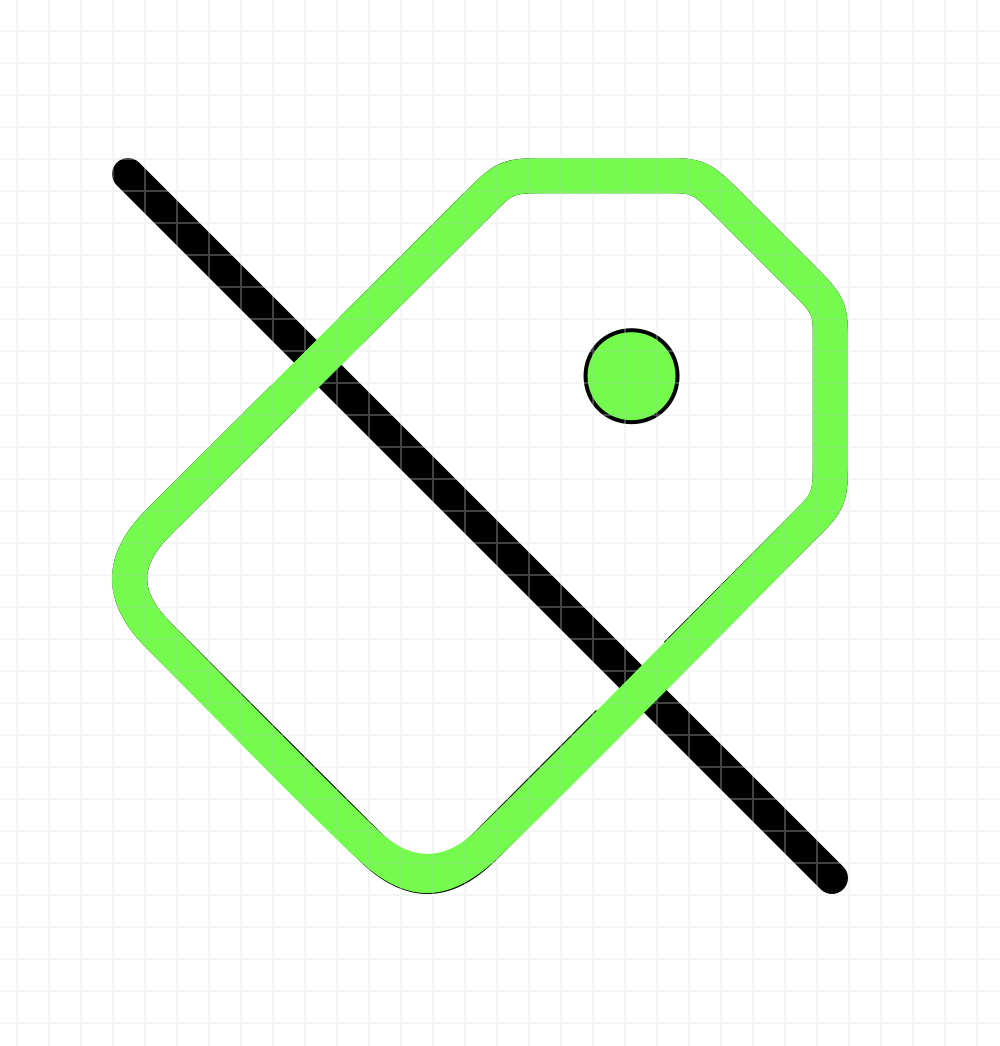
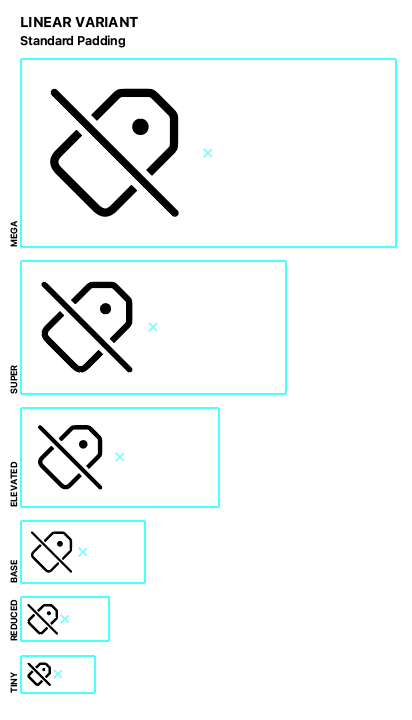
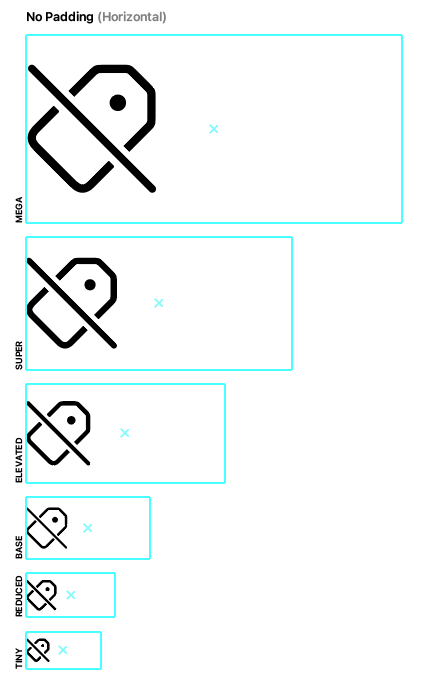
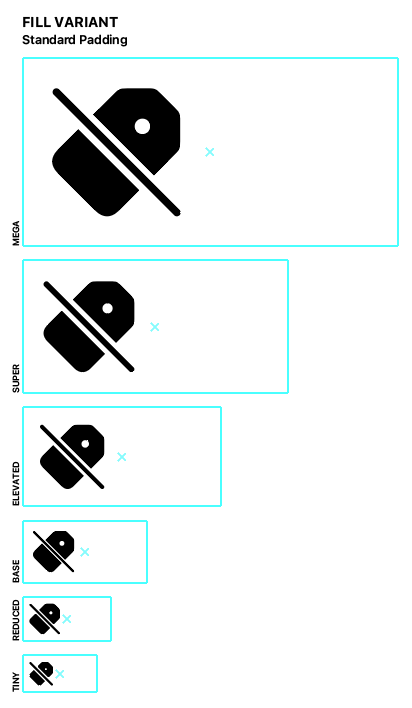
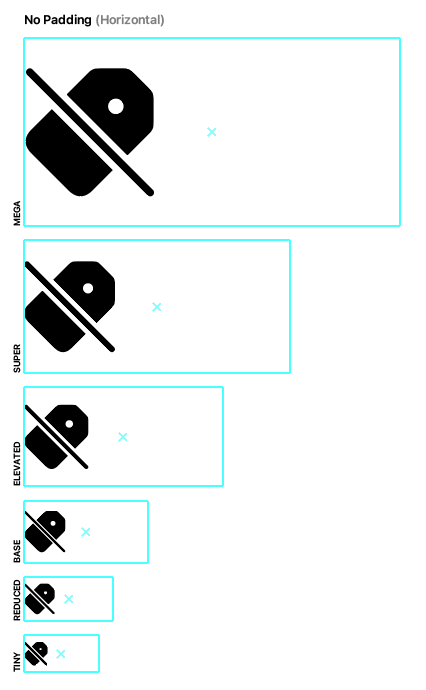
Each icon required 425 exported assets to support all glyph library variants.
Common Tasks
Adjusted anchor points to align icons precisely to grid systems
Ensured pixel-perfect rendering across web environments
Resized icons to template specifications, maintaining consistent spacing and padding
Implemented necessary updates and refinements to icon assets
Maintained consistency across icon families and design systems
Verified scale accuracy across all icon variants
Identified design inconsistencies and provided actionable feedback to the design team
Skills Developed
Grid-based design precision
QA and visual consistency checks
Asset preparation for production environments
System-level thinking across icon families
Attention to pixel-level detail
Cross-functional feedback and collaboration
Production-ready file management
Explore Apple’s extensive icon library: SF Symbols by Apple Developer
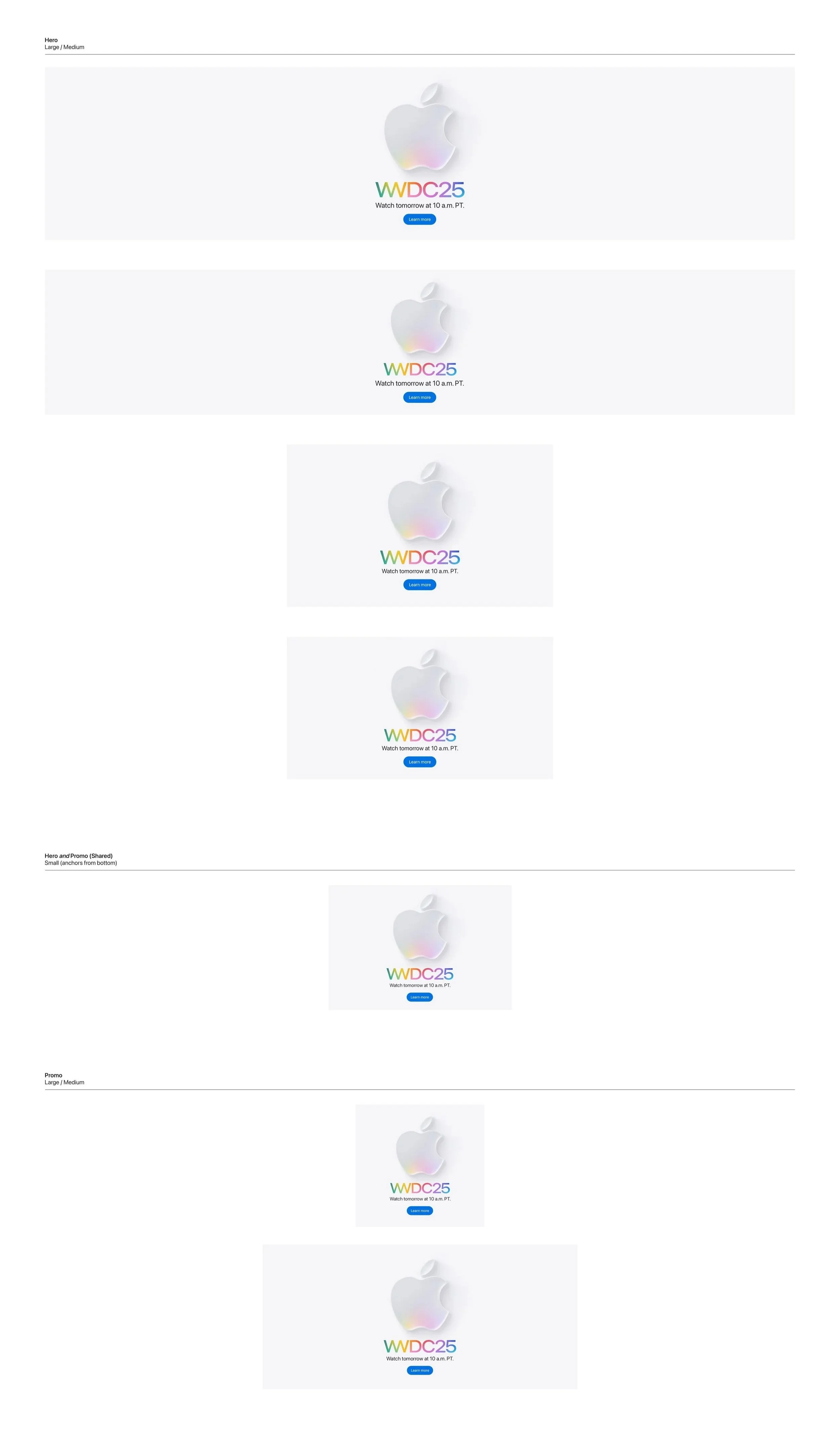
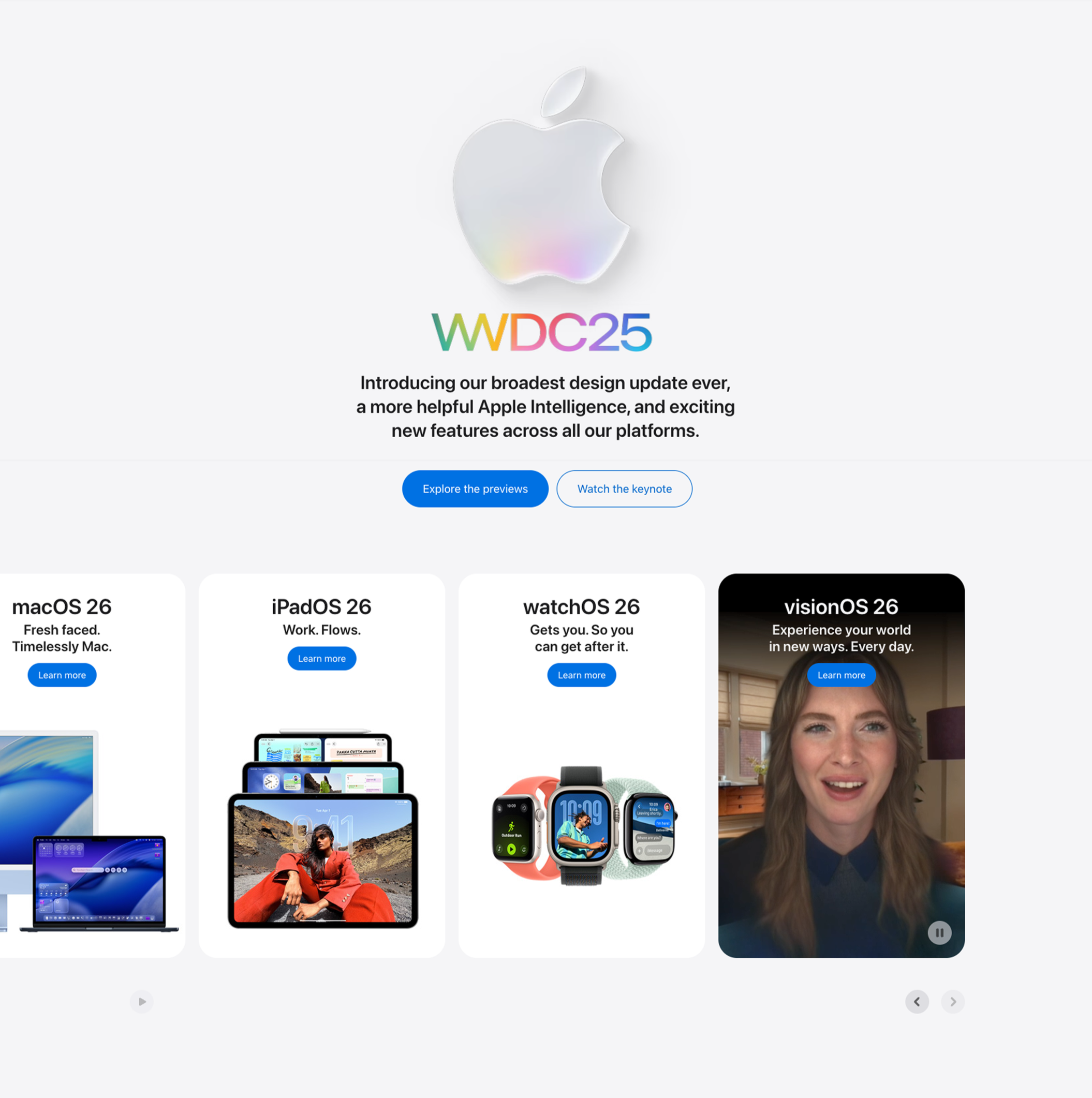
Apple’s homepage serves as the primary platform for announcing product launches, events, and promotional campaigns. Since June 2022, I have optimized homepage assets for multiple launches, ensuring final image quality and performance before the content went to developers, and ultimately live on the website.
Apple’s Homepage
Demonstrates the range of image assets required to support responsive design across device breakpoints and viewports.
The image I exported viewed live on apple.com’s homepage leading up to the WWDC 2025 event.
Product Pages
Over nearly four years spanning June 2022 to May 2026, I contributed to image optimization and export for Apple product pages across more than 15 major launches, covering iPhone, iPad, Mac, Apple Watch, and Vision Pro product lines. Each project required precise preparation of viewport-specific assets across multiple breakpoints, ensuring pixel-perfect presentation on one of the world's most visited and design-driven e-commerce platforms.
Team: Mac
Years: 2022 - 2024
Supported image optimization and export across three generations of Apple Silicon (M2, M3, M4) for 10+ Mac product launches on apple.com.
Macbook Pro
For new and updated product launches, screen and hardware imagery is carefully reviewed for rendering errors and refined using targeted Photoshop techniques.
M2, M2 Pro, M2 Max


M3, M3 Pro, M3 Max

M4, M4 Pro, M4 Max
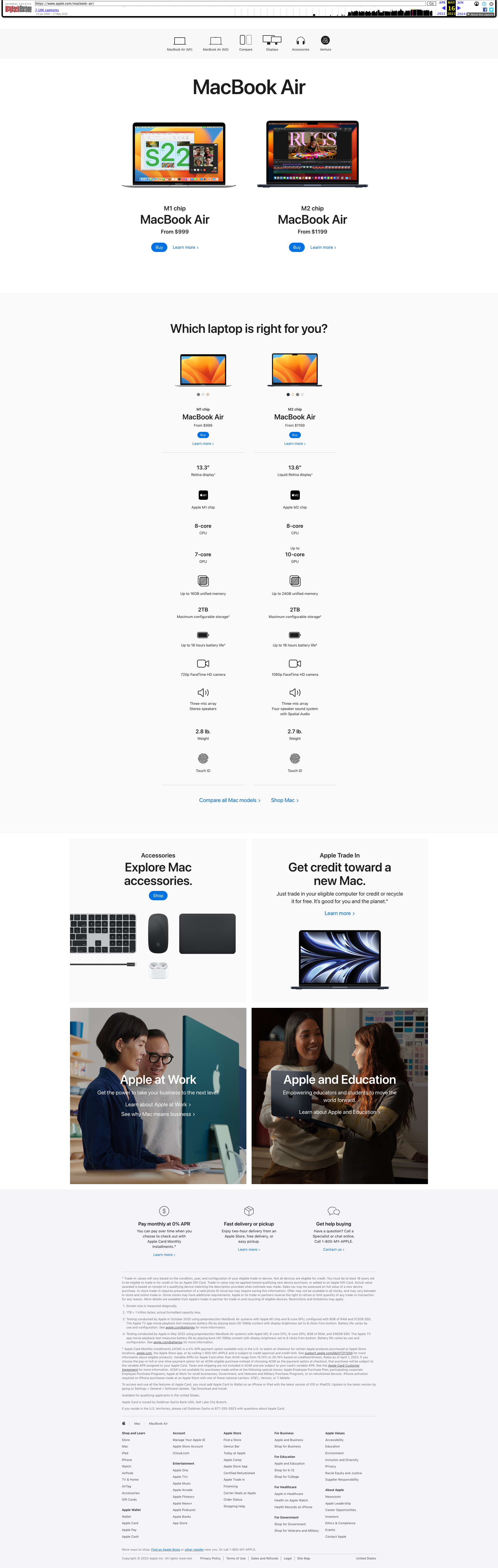
Macbook Air
Product scale is critical when multiple devices appear together. Using Apple's scaling guides, I ensured each product was represented with precise, proportionate sizing across every composition.

Mac Studio

iMac

Team: iPhone
Years: 2025 - 2026
Supported image optimization and export across two major iPhone launches (iPhone 17 and iPhone 17e) on apple.com, ensuring assets met Apple’s standards for viewport-specific rendering and cross-device consistency.
iPhone Launches
iPhone Air

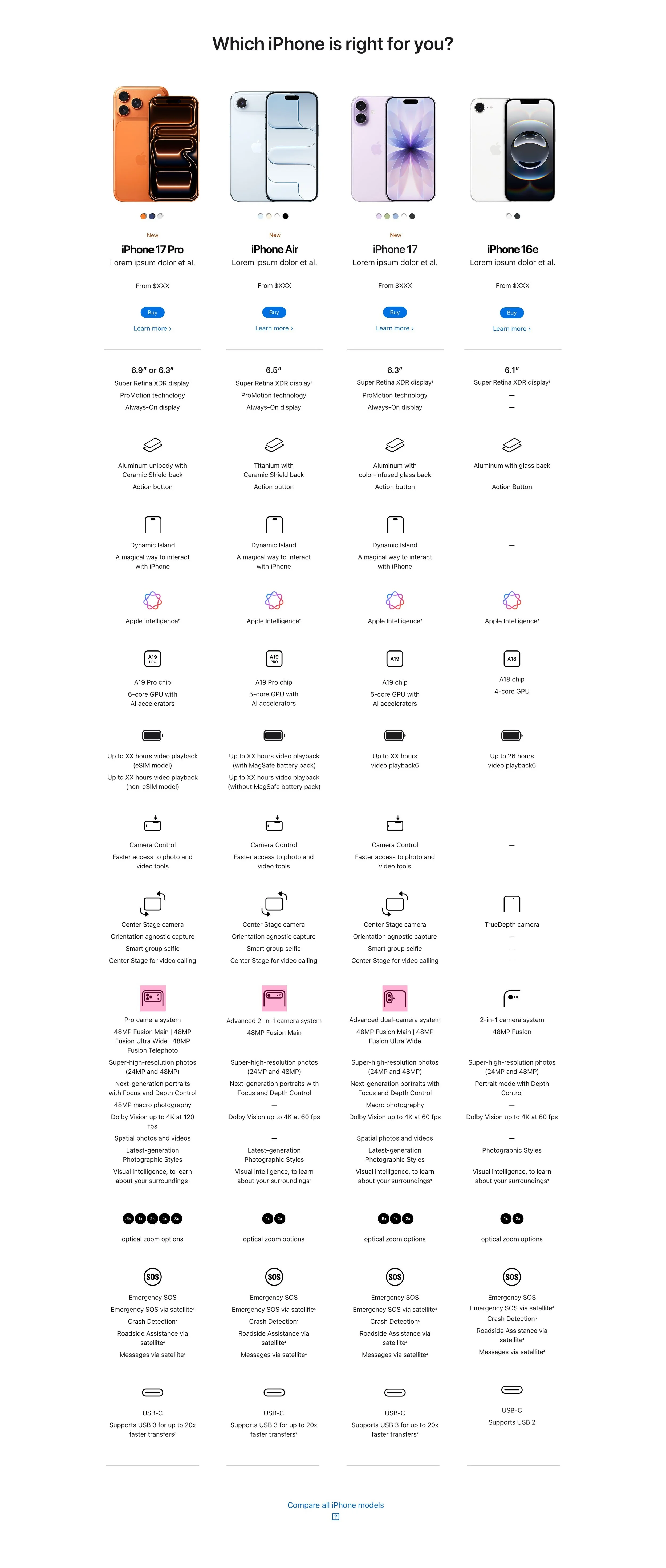
iPhone compare page

iPhone 17e
“Amber has played an essential role behind many of our iPhone product launches, including the latest iPhone 17e. ”
Direct Mailers
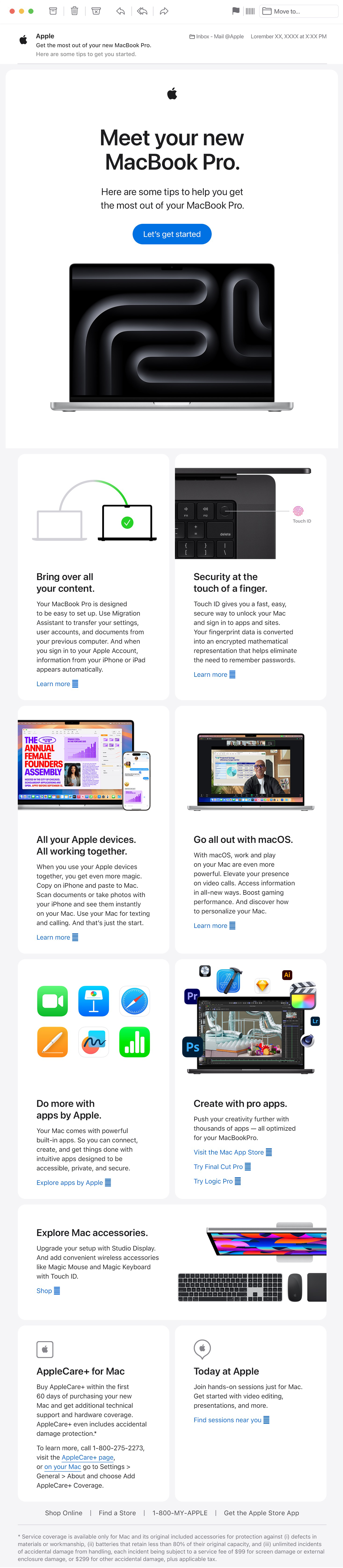
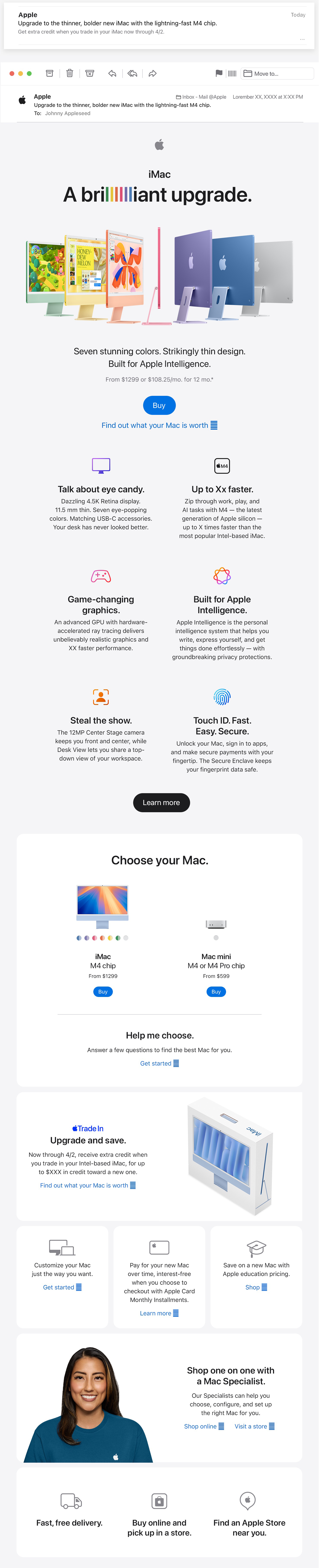
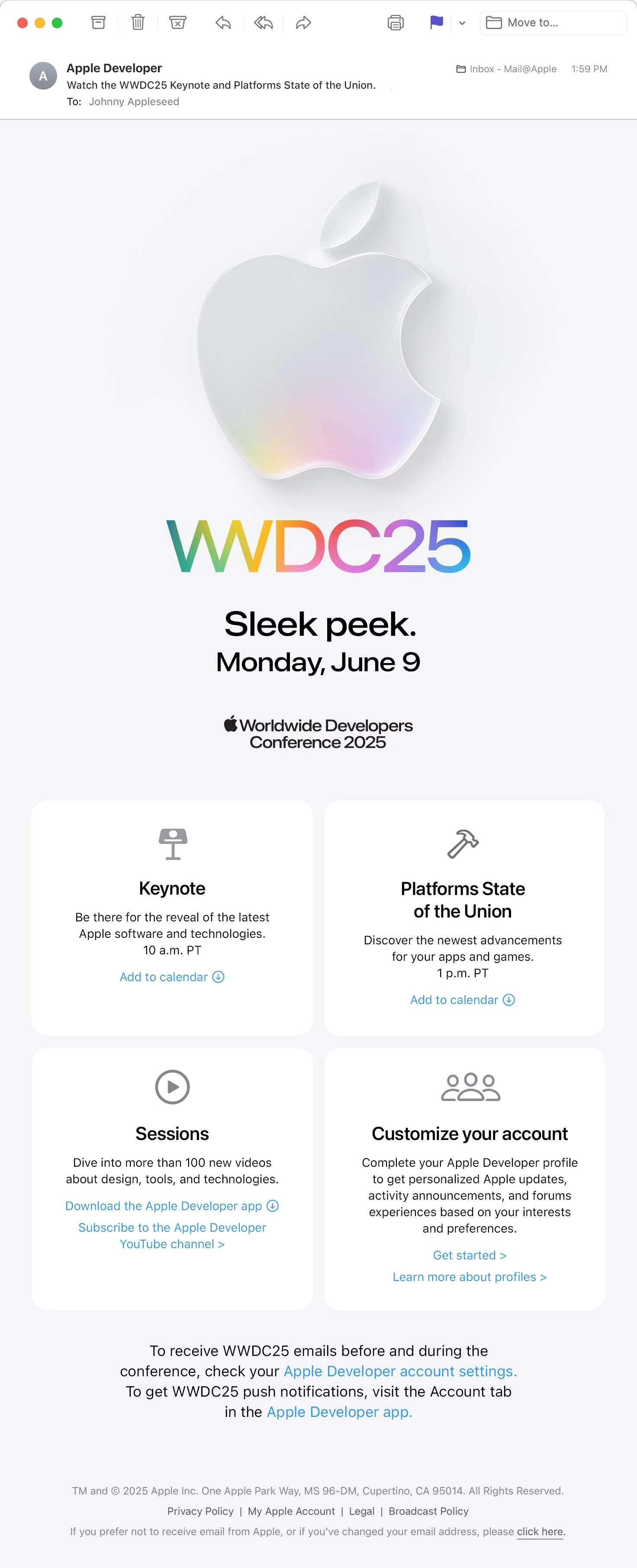
In addition to product launches, Apple distributes direct mailers to support each launch phase. I optimize and export images for email layouts, ensuring compatibility across light and dark modes, as well as responsive desktop and mobile viewports to deliver an optimal viewing experience across devices.

Common TroubleShooting
Many email clients display content in both light and dark mode, but marketing assets don't automatically adapt. To ensure imagery remained legible in either environment, backgrounds, containers, and icon colors had to be intentionally designed and reviewed for both modes. Designers and the production team worked closely together to refine assets that maintained visual integrity and accessibility regardless of the viewer's display settings.